
Present your payment
A customer in store? Present the QR. A remote order? Share the payment link associated with the sale.
Belook PayBpay
Belook Pay, or Bpay, supports collections in store, remotely and online. A clear journey for customers. A consistent view for your business.
Open a Business accountConnect Belook Pay to POS operations and invoices. Payment methods and settlement depend on your country, account and available networks.
Discover Business POS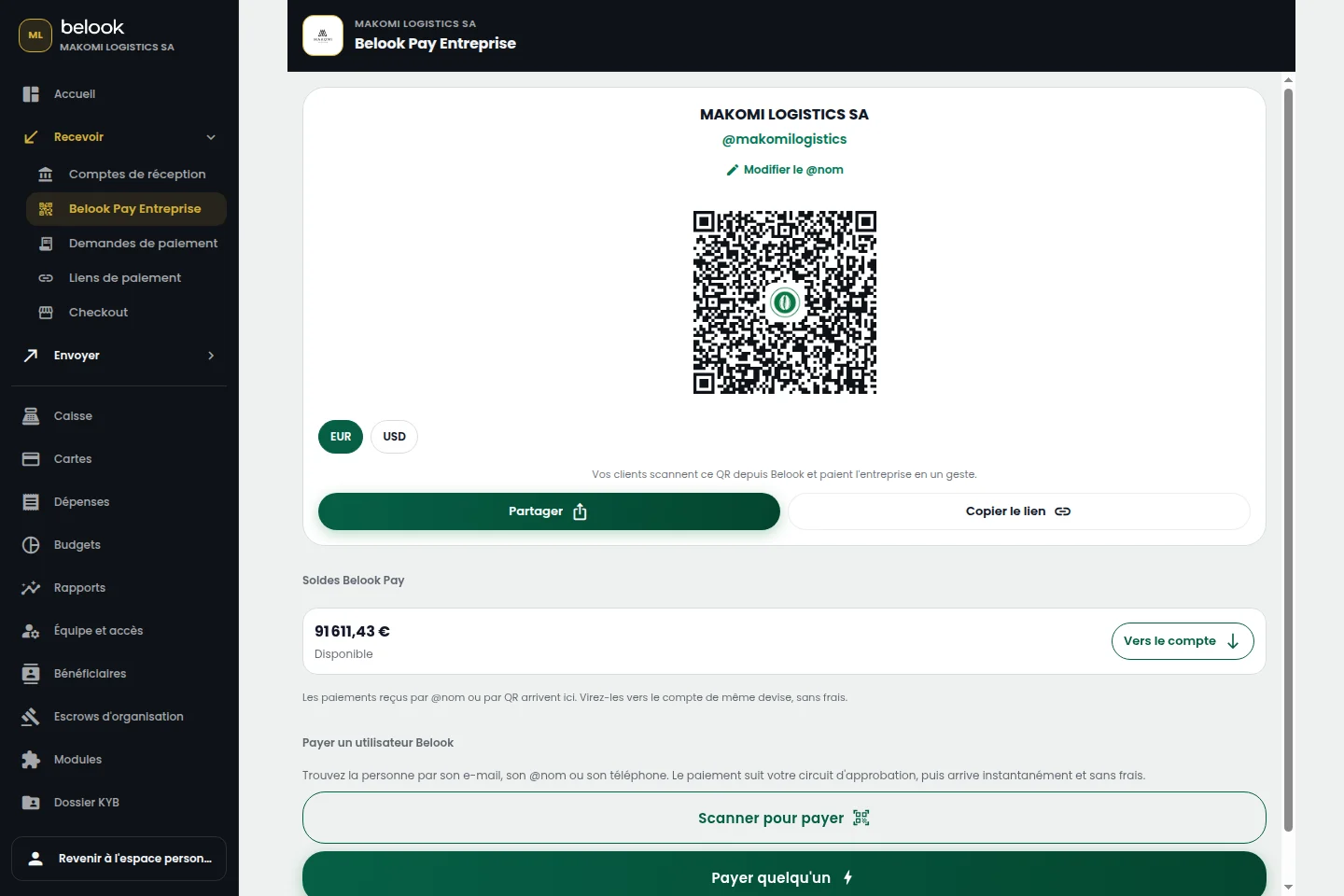
A BETTER CONNECTED EVERYDAY
A customer in store? Present the QR. A remote order? Share the payment link associated with the sale.
The customer reviews payment information and chooses from the methods offered for that journey.
Review collection status. An initiated, pending or confirmed payment stays connected to business tracking.
Belook Business brings together POS, invoicing, team, budgets, inventory, customers and suppliers. Belook Pay, or Bpay, handles payment collection and tracking. The two experiences complement each other.
Check the status in your Belook space. Opening a QR or link does not itself confirm payment. Tracking distinguishes each stage of the journey.
Payment methods, currencies, payroll modules and cash deposit or withdrawal services vary by country, partner and account. Check your enabled capabilities before planning operations.