
Start your day
Prepare your session, opening cash and cashier access. Everyone has the context they need.
POS & sales
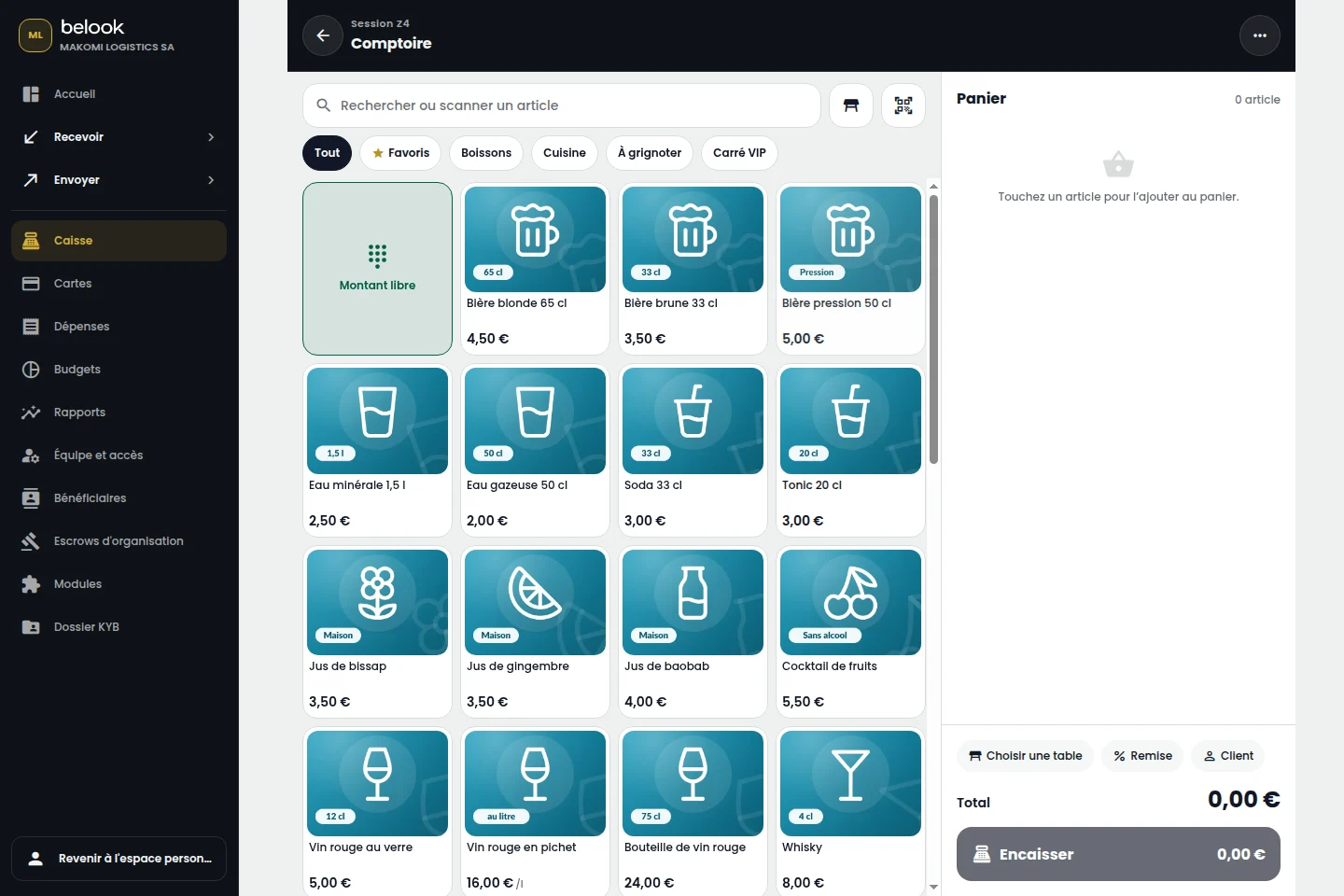
A point of sale built for the pace of your business. Accept payments, track sales and keep a clear view of every day.
Open a Business accountTHE RIGHT TOOLS, IN ONE PLACE
Features depend on the modules enabled for your business. Payroll also depends on the country and available settings.
A BETTER CONNECTED EVERYDAY
Prepare your session, opening cash and cashier access. Everyone has the context they need.
Select products, attach the customer and track collection using available methods. Find the receipt in your history.
Compare sales with cash movements, identify discrepancies and review the details of each operation.
From “Open an account”, continue to Belook registration and choose Business. Prepare your business information and the representative’s supporting documents.
Choose the tools that fit your business. Available modules and their terms depend on your account, country and enabled capabilities. Our team can help clarify your needs.