
Know your customer
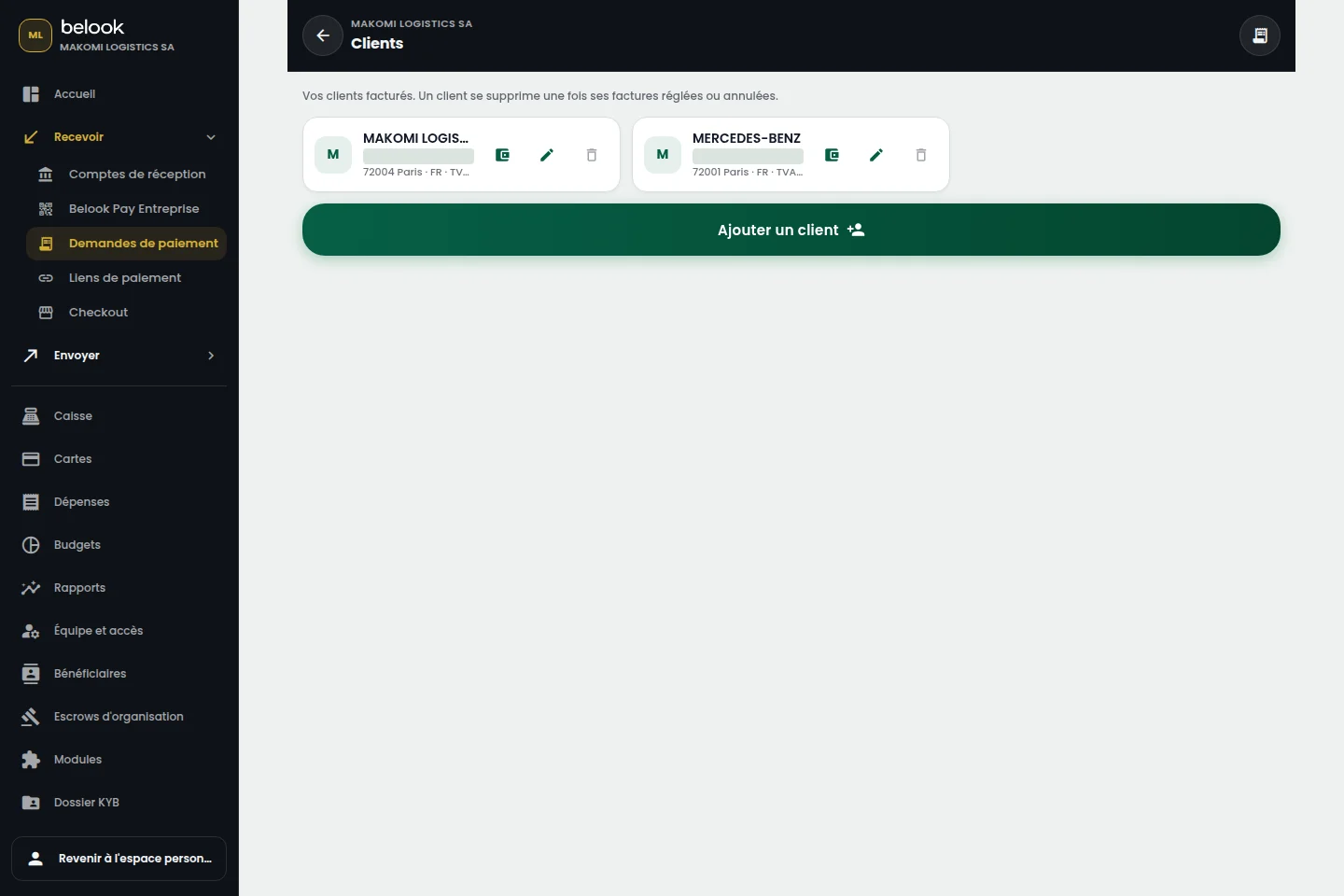
Find their record during a sale and keep the information useful to your business relationship.
Customers & relationships
Customer records connected to your business: invoices, history and payments stay close at hand.
Open a Business accountTHE RIGHT TOOLS, IN ONE PLACE
Features depend on the modules enabled for your business. Payroll also depends on the country and available settings.
A BETTER CONNECTED EVERYDAY
Find their record during a sale and keep the information useful to your business relationship.
Connect orders, invoices and collections to understand what was sold and what needs follow-up.
Review history before a conversation and give a precise answer based on recorded operations.
From “Open an account”, continue to Belook registration and choose Business. Prepare your business information and the representative’s supporting documents.
Choose the tools that fit your business. Available modules and their terms depend on your account, country and enabled capabilities. Our team can help clarify your needs.